Discord Roles
A brief, detailed walkthrough for claiming your purchases now that we’ve transitioned to FiveM’s official asset escrow system.
Step 1: Downloading Acquired Resources
Section titled “Step 1: Downloading Acquired Resources”You can solely access resource downloads and updates through FiveM’s Keymaster.
Step 2: Join The Discord Server
Section titled “Step 2: Join The Discord Server”Our Discord server is the exclusive platform for receiving support, accessing free resource giveaways, staying updated with the latest announcements, and gaining entry to private customer channels for communication with us and fellow server owners.
Step 3: Claiming Discord Roles
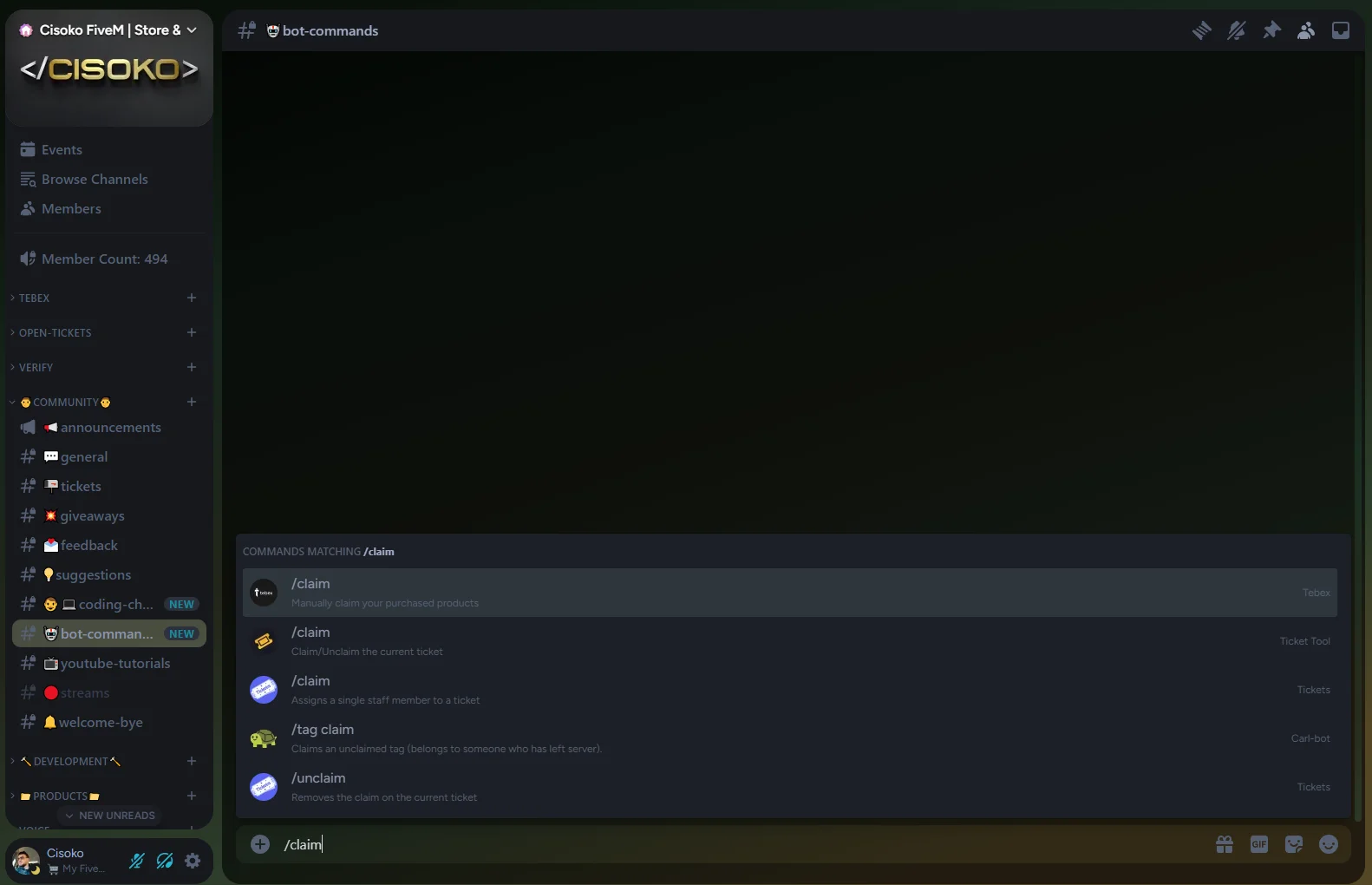
Section titled “Step 3: Claiming Discord Roles”To obtain your customer roles for access to support ticket creation and assistance, simply claim your purchase by using the /claim command in the #bot-commands Discord channel.