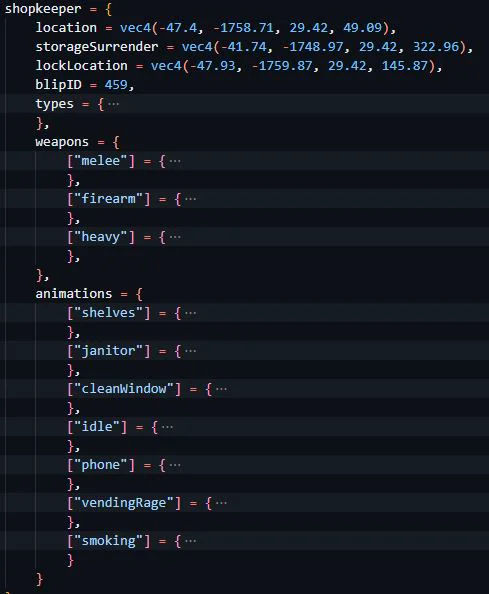
To use this section effectively, you need to:
- Set the appropriate locations for the shopkeeper, storage surrender, and lock positions using
vec4 coordinates.
- Choose the desired
blipID to represent the store on the map.
- Define the types of NPCs that can work as shopkeepers by adding their corresponding numbers to the
types array.
- Specify the weapons the shopkeeper can use during a robbery by providing the weapon names and their locations.
- Customize the animations for different situations by modifying the
animations section, adding or removing specific animations and their locations as needed.
By configuring the shopkeeper section, you can create a dynamic and interactive shopkeeper NPC that responds to various situations and adds immersion to the store robbery gameplay.