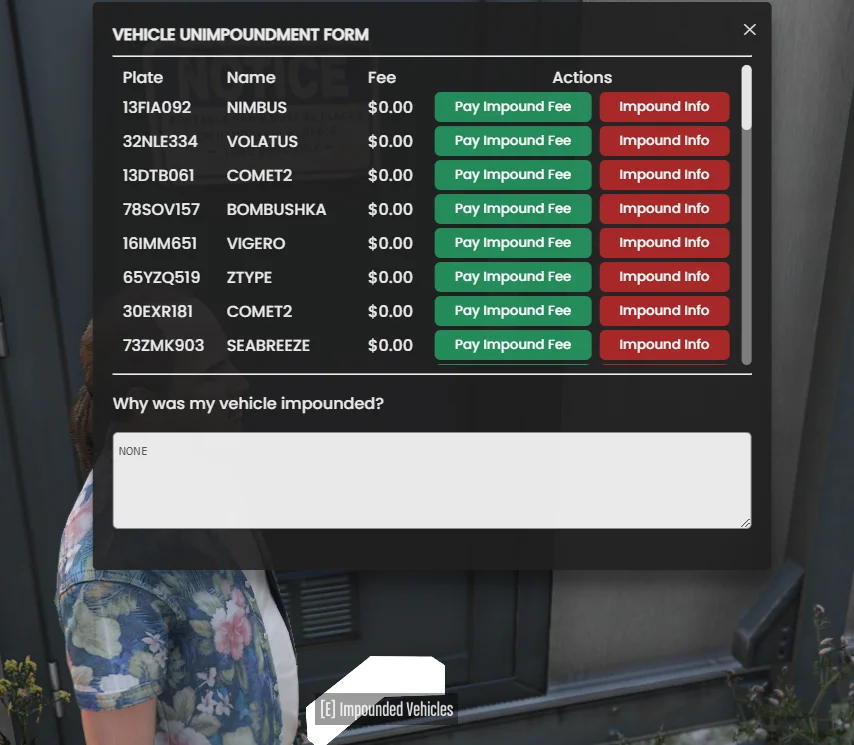
Base Installation
Start your TCVS journey with our installation guide.
Step 1: Download the Resources
Section titled “Step 1: Download the Resources”Step 2: Run the SQL File
Section titled “Step 2: Run the SQL File”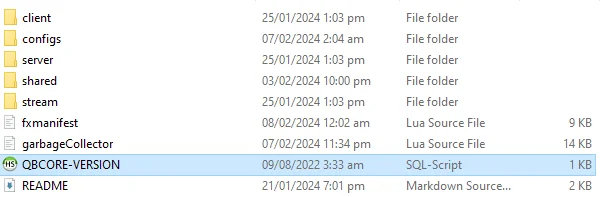
Step 3: Setup Configuration
Section titled “Step 3: Setup Configuration”Step 4: Custom Identifiers
Section titled “Step 4: Custom Identifiers”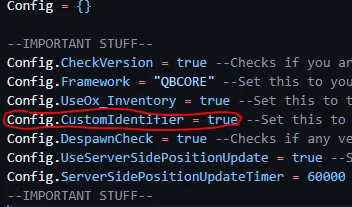
Step 5: Point your Database Resource (Optional)
Section titled “Step 5: Point your Database Resource (Optional)”Step 6: Disable Conflicting Resources (Advised)
Section titled “Step 6: Disable Conflicting Resources (Advised)”Step 7: Include Import Vehicles (Advised)
Section titled “Step 7: Include Import Vehicles (Advised)”Step 8: Start The Server And Wait The Timer
Section titled “Step 8: Start The Server And Wait The Timer”